
Key roles are the backbone of any organization, from union representatives to safety representatives and department managers. In Runwell, courses, tasks, procedures and feedback are linked directly to these roles. This makes sure each person gets the training they need and clearly defined responsibilities.
Runwell also notifies you when it is time to replace a key role. Because tasks and deviations are linked to a role instead of a person, the handover is smooth when people change. This gives continuity and efficiency, which are essential for a well-run organization.
Assign a key role to an employee
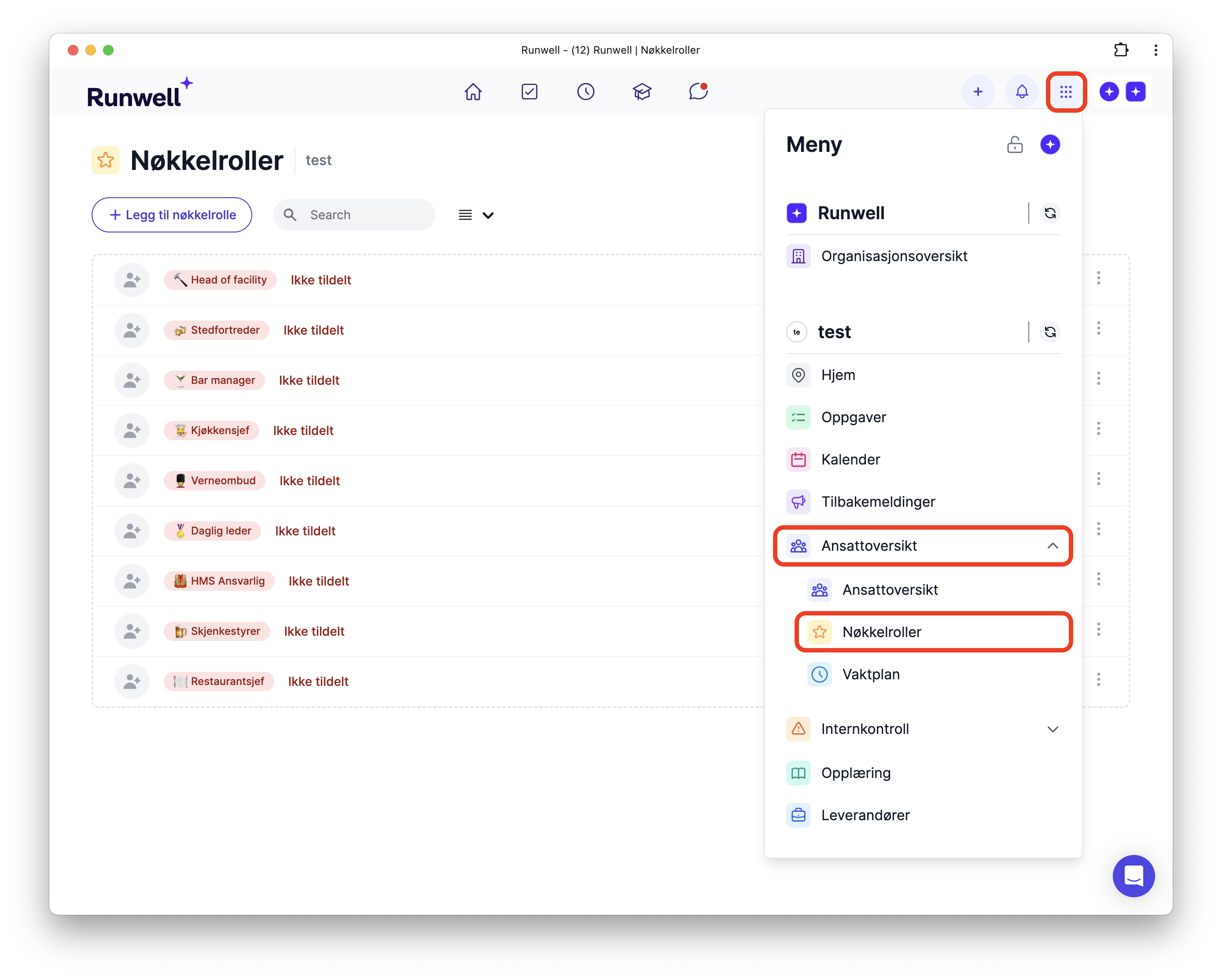
Go to Location menu > Employee overview > Key roles
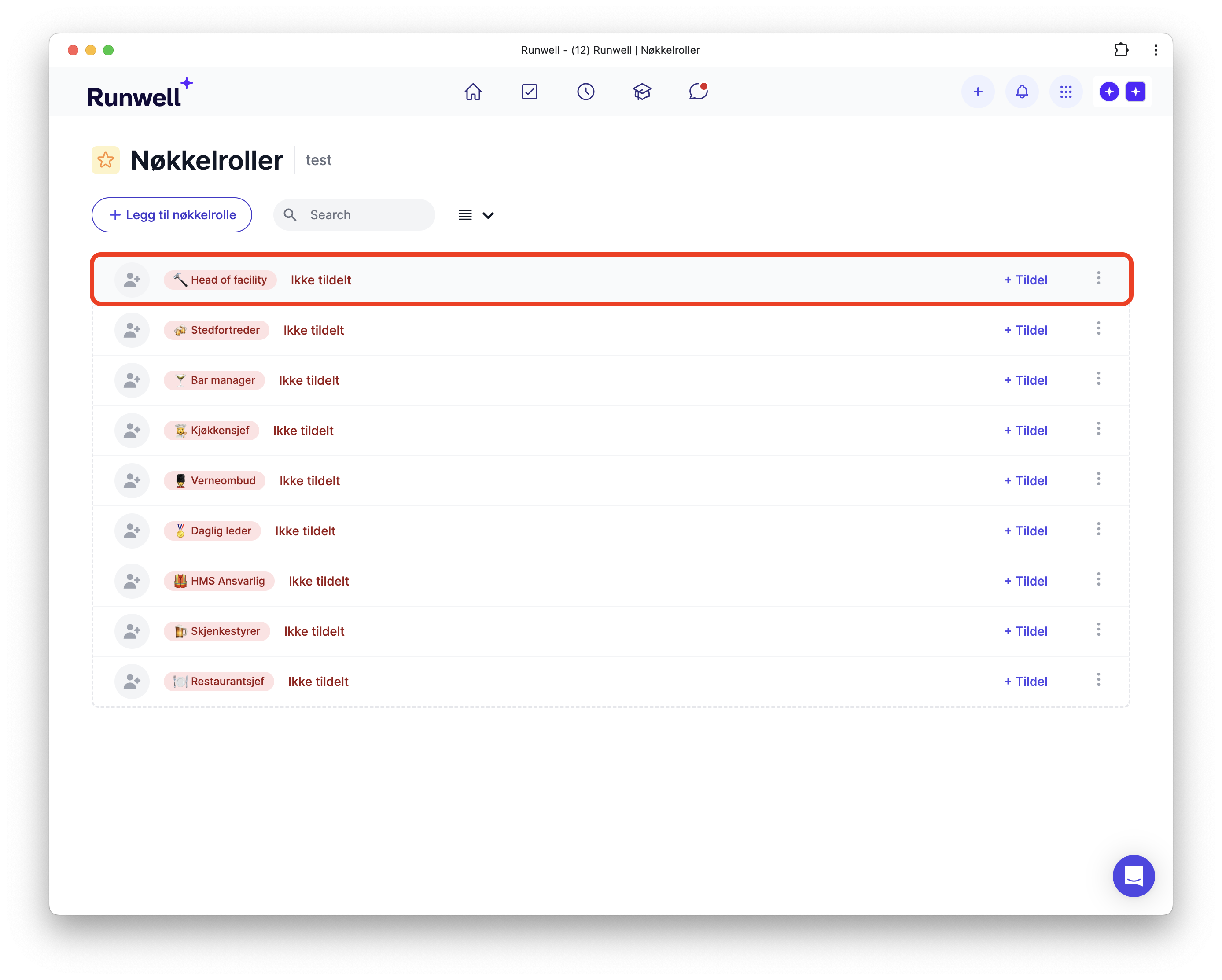
If the role has not been assigned yet, click it and assign it to the right person.
Remember that the employee must have accepted the invitation to Runwell before they can be assigned key roles
Replace a key person
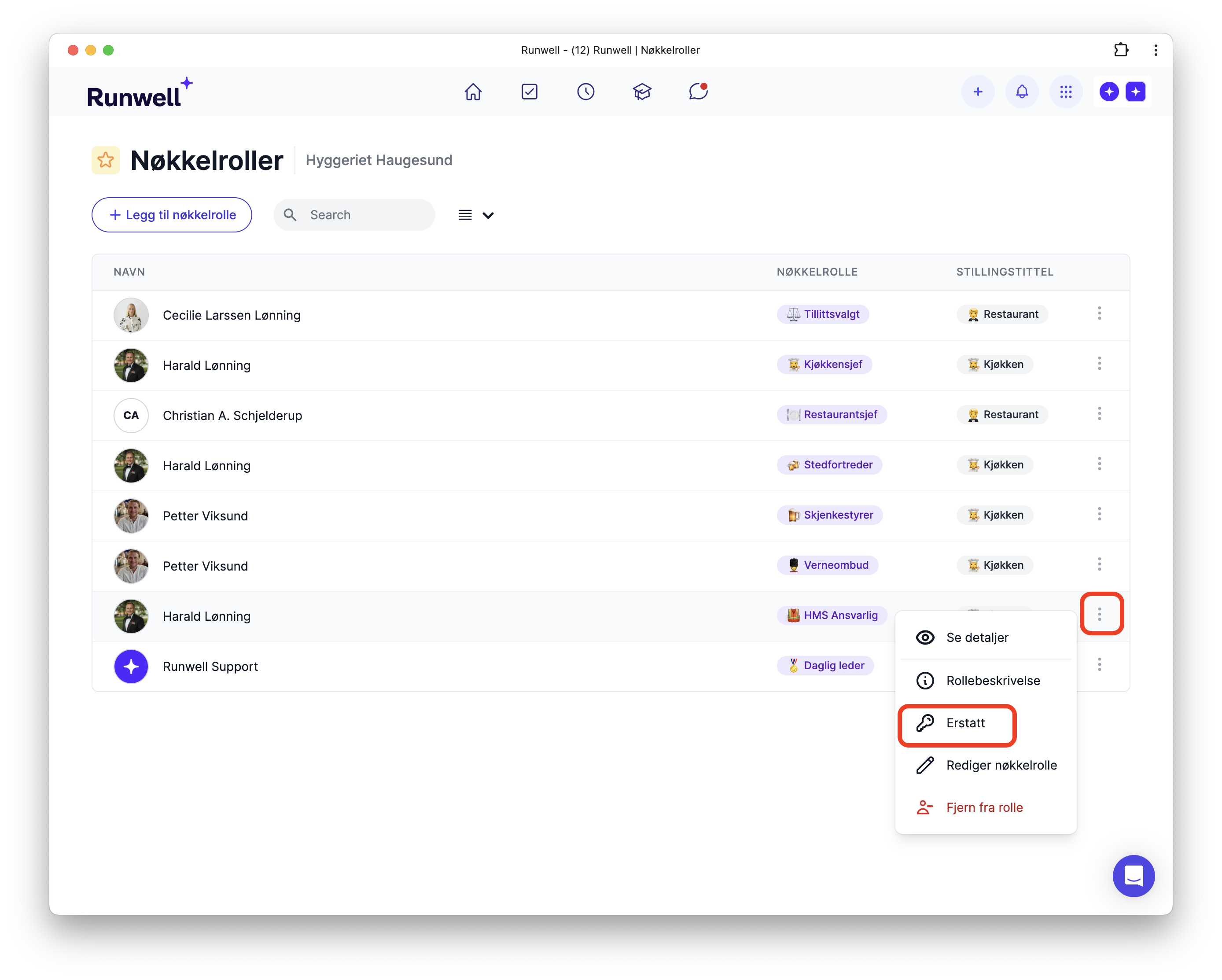
If the role is already assigned, you can replace the person by clicking Dot menu > Replace.
Missing a key role? Here is how to create one