
You need edit access, or be the owner of the document, to change roles.
Beyond deciding whether someone can see a document, you can decide exactly how much they can do — just see it, or also edit it.
Open the document, click Share, and add the person, job title, or key role you want to grant access to under Add people, job titles and key roles.
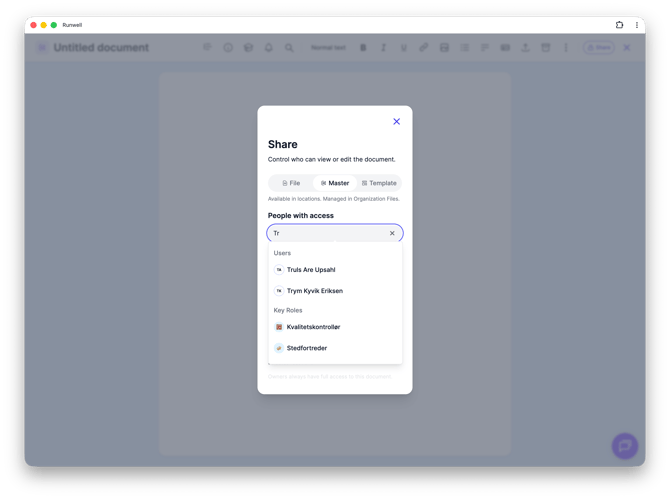
The person shows up in the list under Users, with a role shown next to their name. Click the role to choose whether they should be able to edit the document, or only view it.
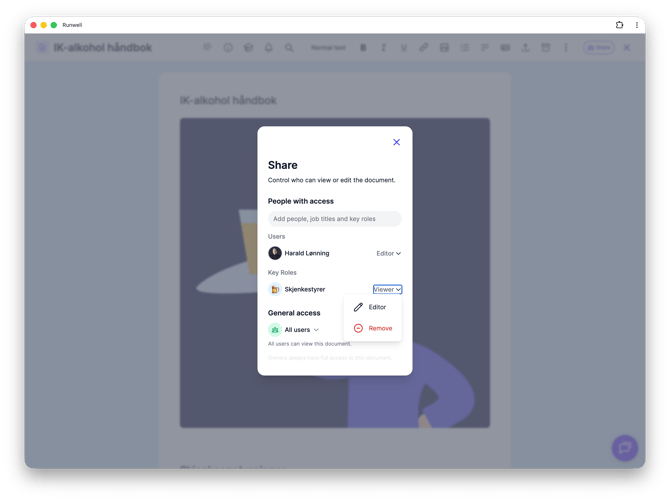
People with Owner Access in Runwell always has full access, and can't be removed or downgraded by anyone else.
Don't hesitate to reach out to our customer service if you have any questions 🤩