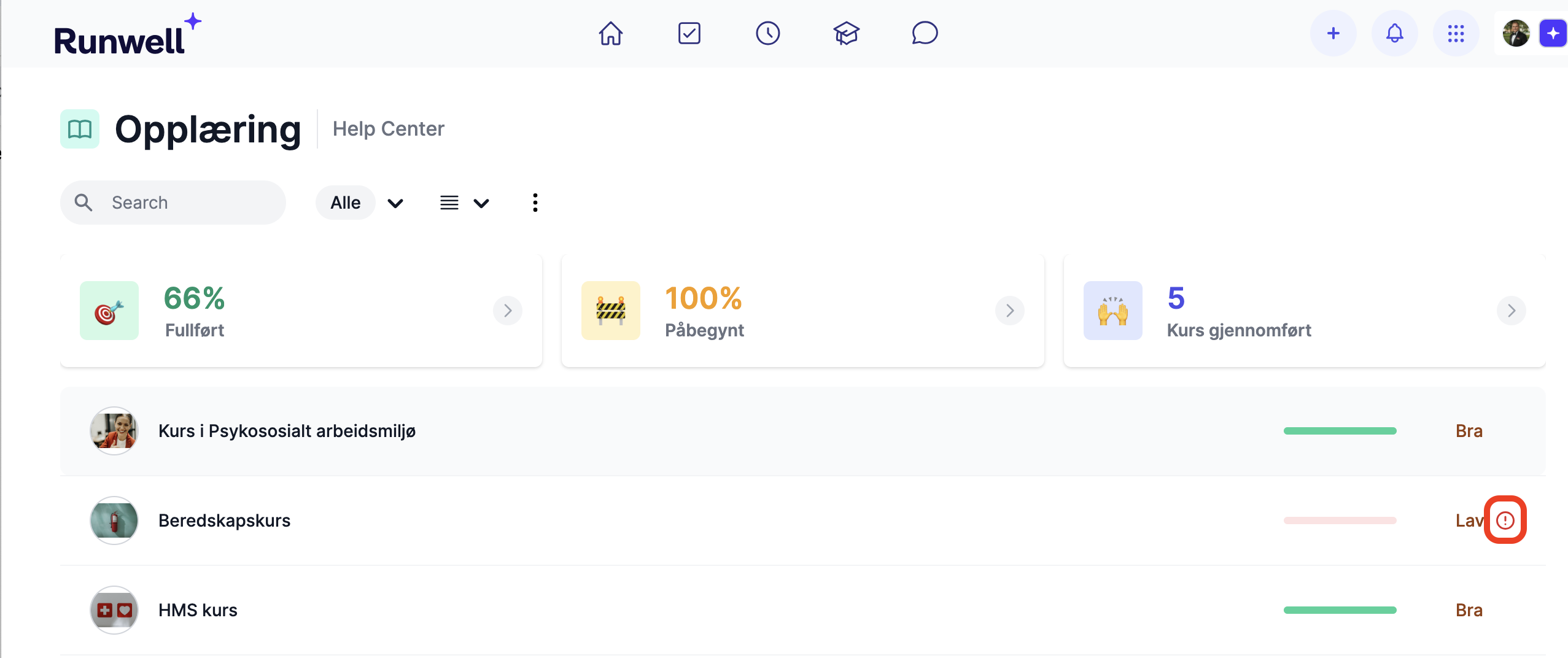
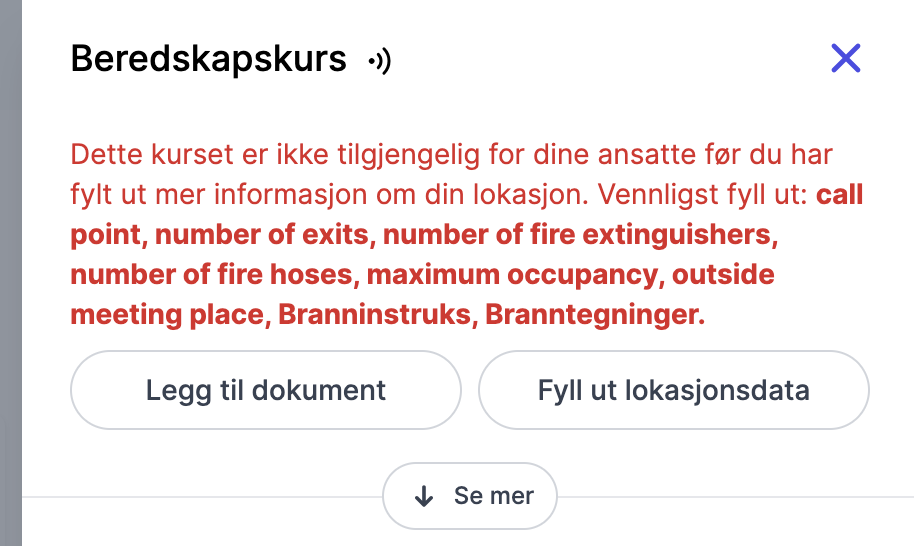
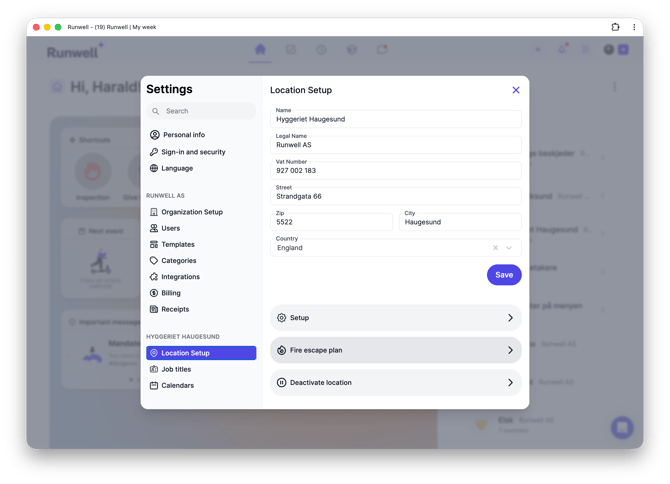
Go to Location settings > General and scroll down to Evacuation plan
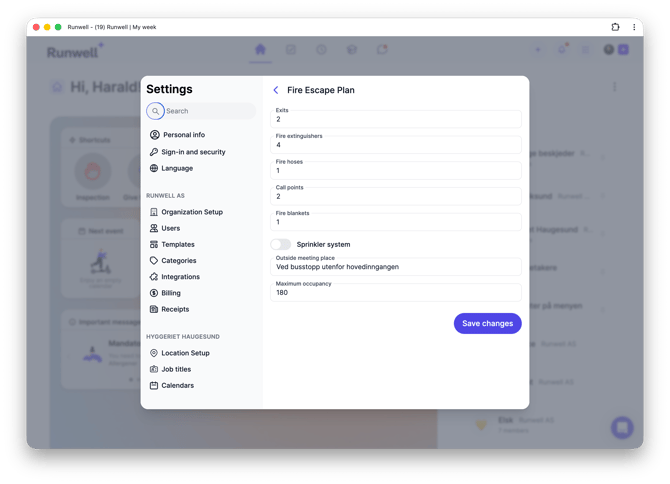
Fill out the fields. Enter 0 where you have none.
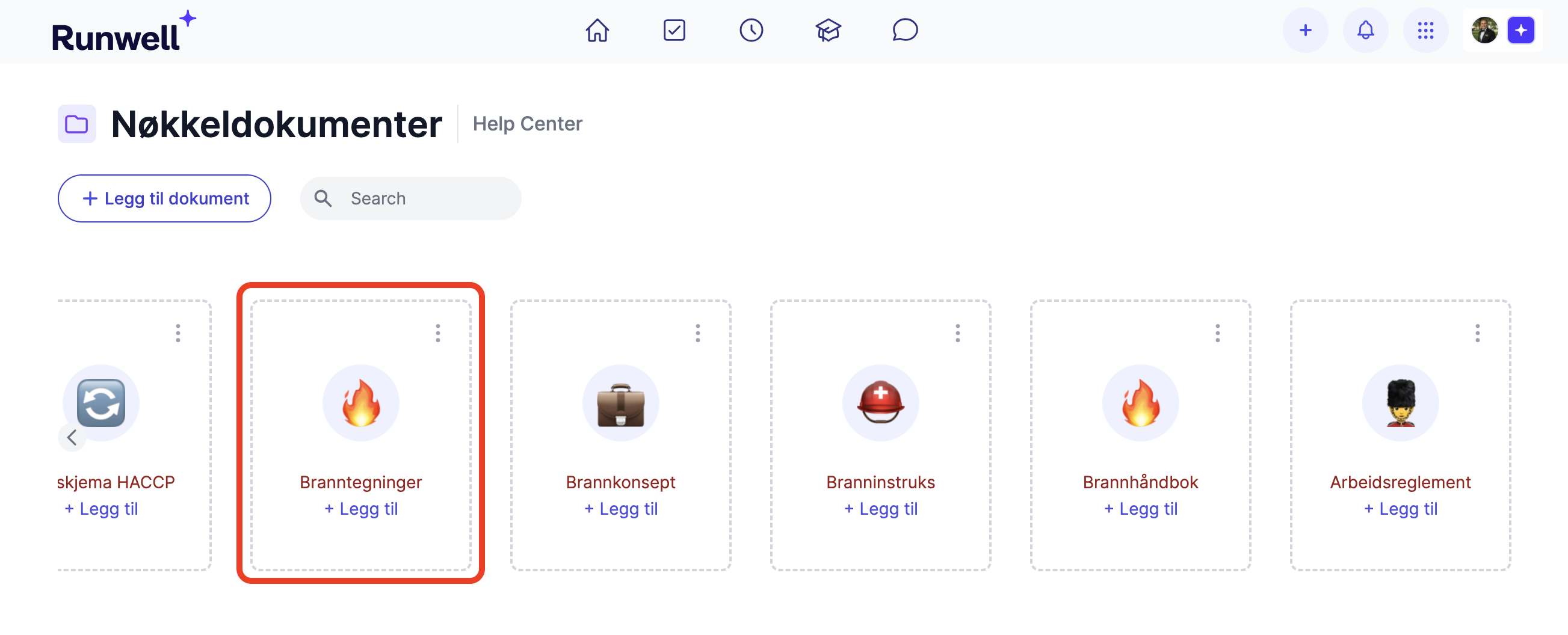
You also need to upload Fire drawings under Key documents for the course to work
Automatically tailored emergency preparedness course
When the fire drawings are uploaded and the evacuation plan is filled out, the error messages shown below disappear from the Emergency preparedness course, and it becomes available to all employees who need to take it.