We guide you through the steps to add this information in a way that ensures that it is displayed correctly on the Overview button in the menu, as well as in the summary of your internal control when you press the Inspection button.
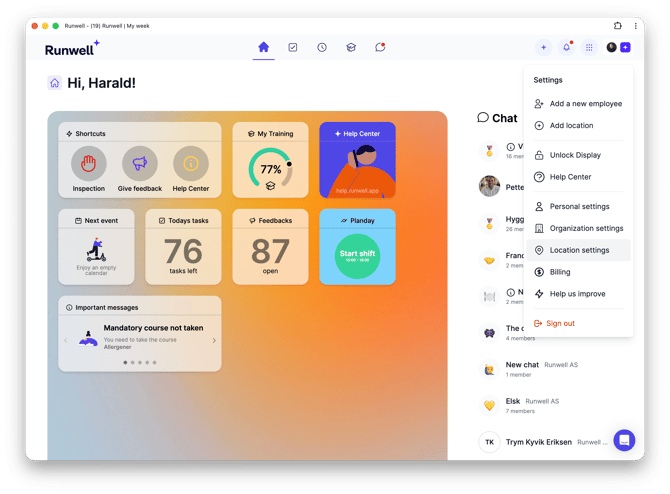
Press Main menu in the top right corner
Select Location settings
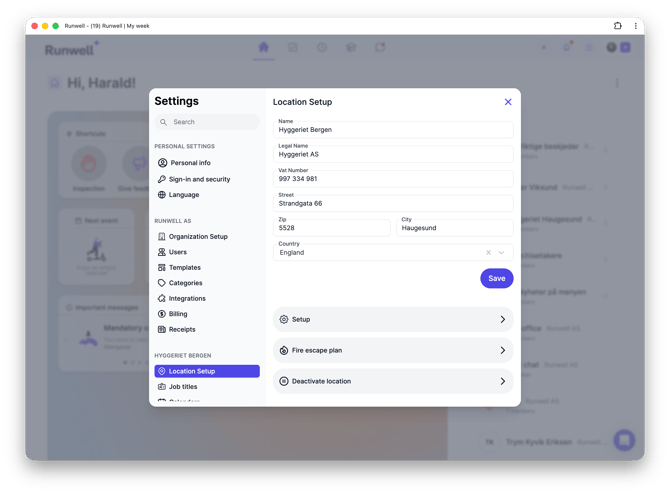
Fill in the fields in General, Setup and Fire Escape Plan
Remember to press Save