You need administrator access or higher to complete this guide
Click the + button in the top right corner and select Add new employee.
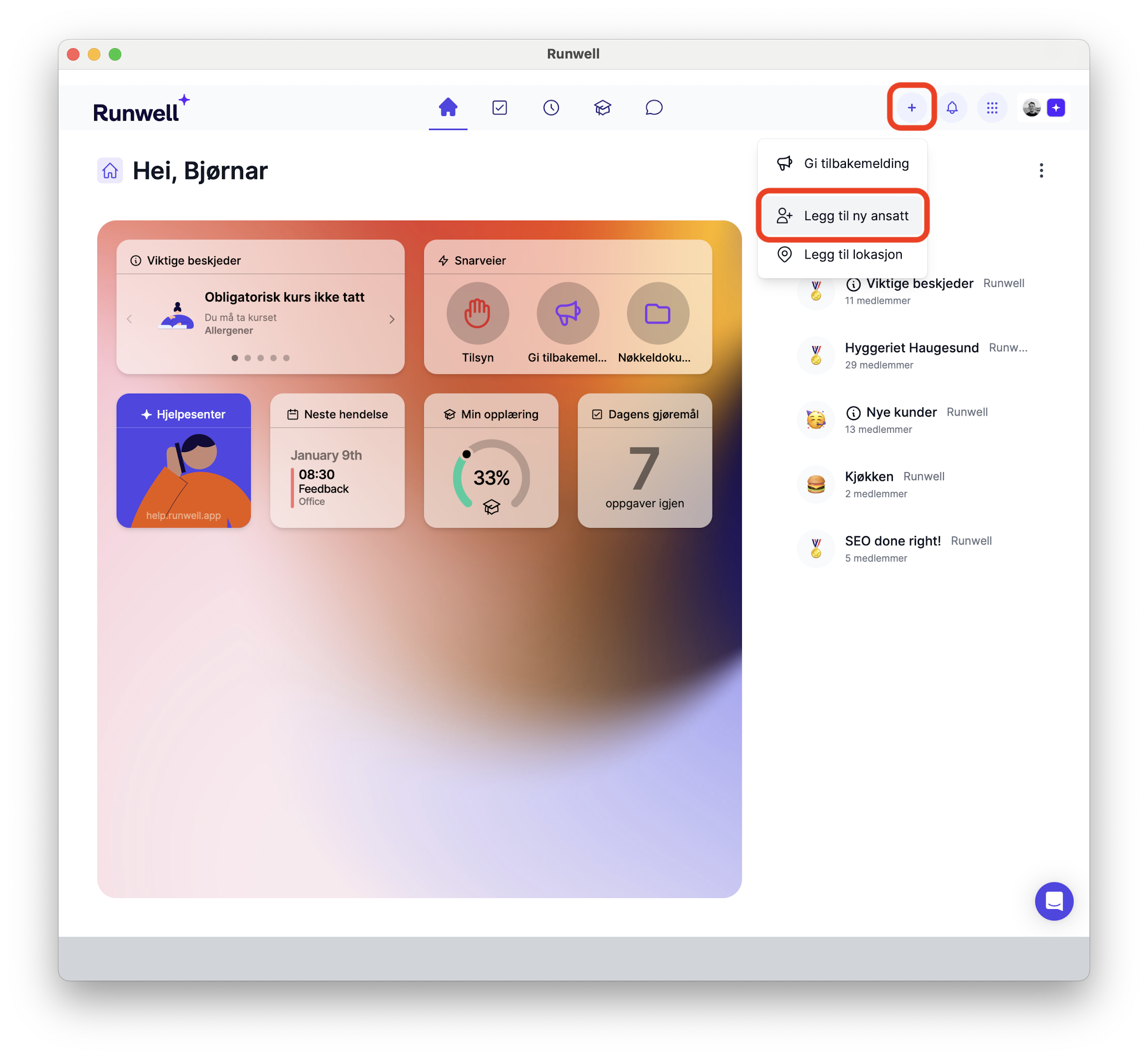
Enter the email, first name and last name, the location they will work at and their job title. The employee gets an email that takes them through onboarding. (PS: Ask them to check their spam folder if they haven't received it.)
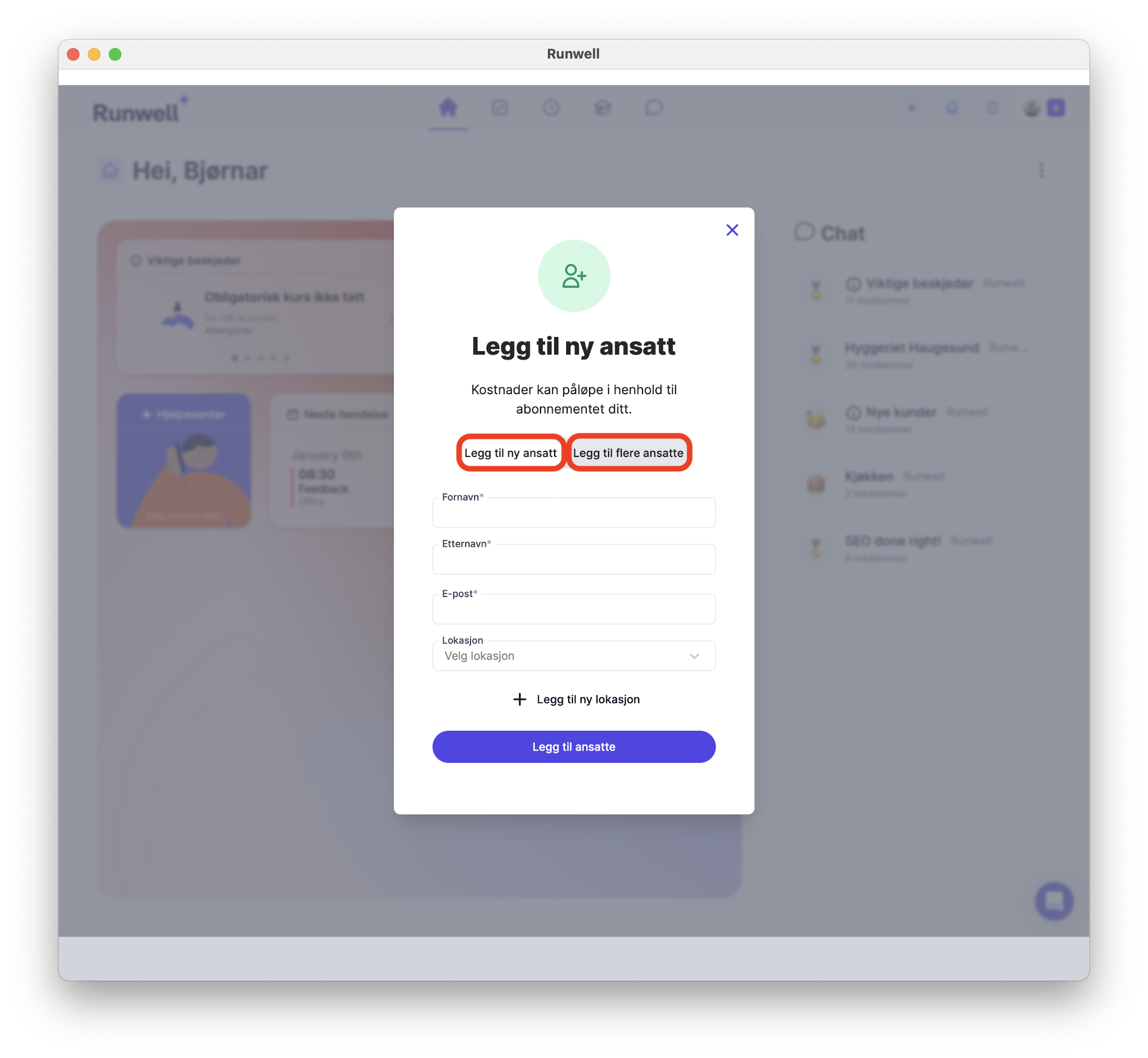
Add several at once
You can download a .csv file. Open it in Excel and fill it out. Remember to save it as a .csv file when you are done. Upload the file to Runwell, and all the employees get an invitation by email.
How to import employees from Planday
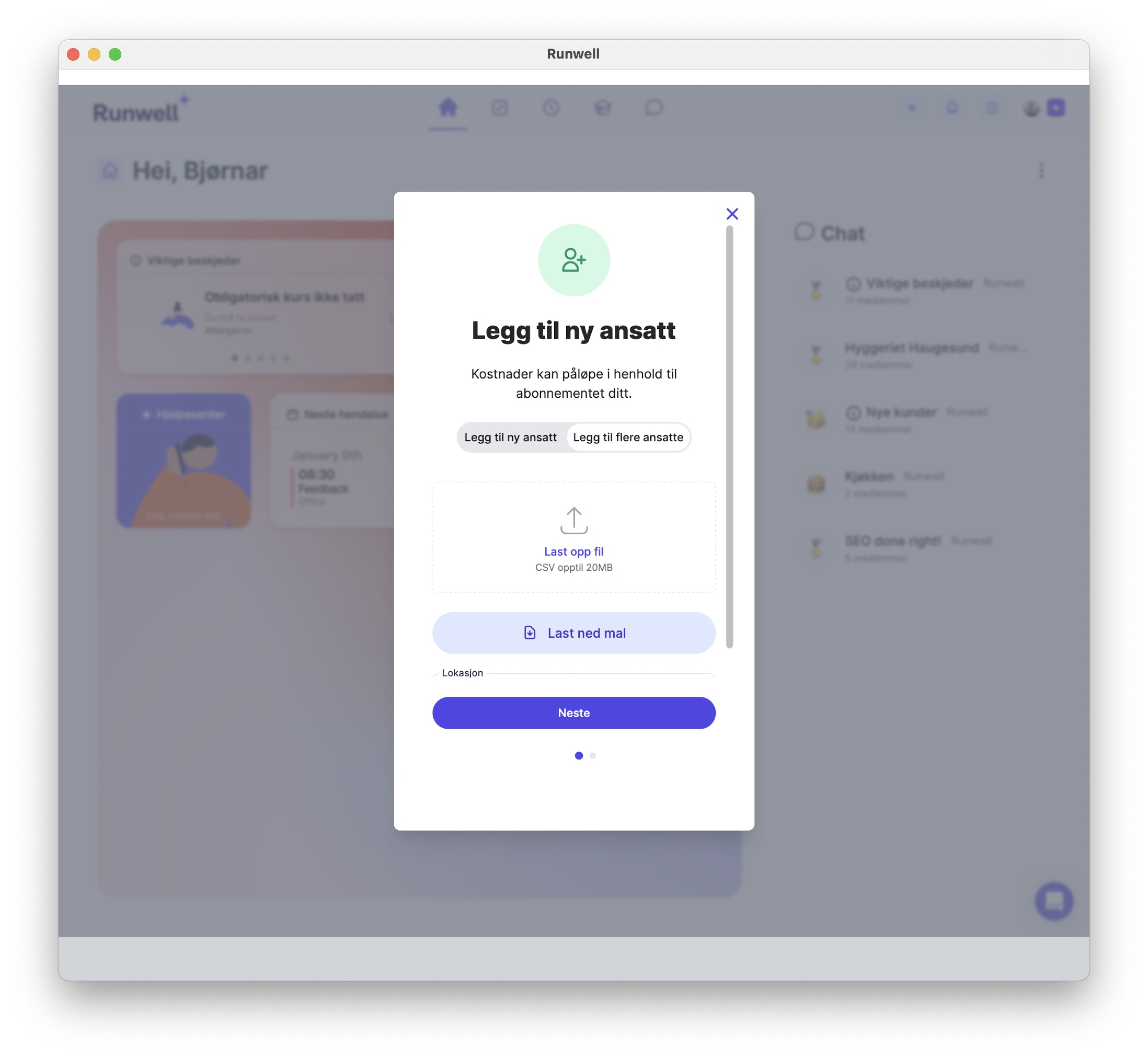
Can't upload the file? Check that the file uses semicolons (;) between the values.
Check whether employees have accepted the invitation
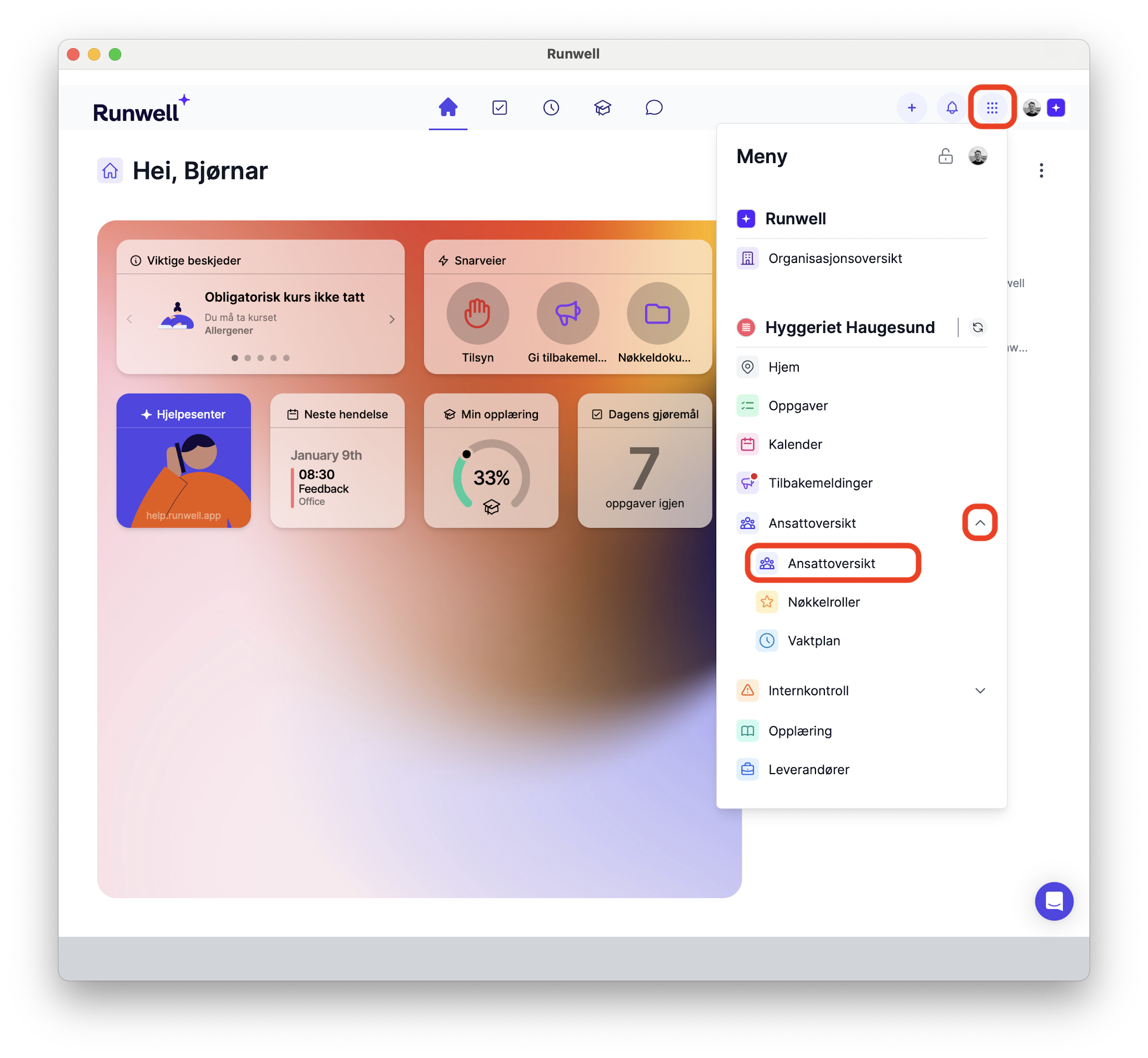
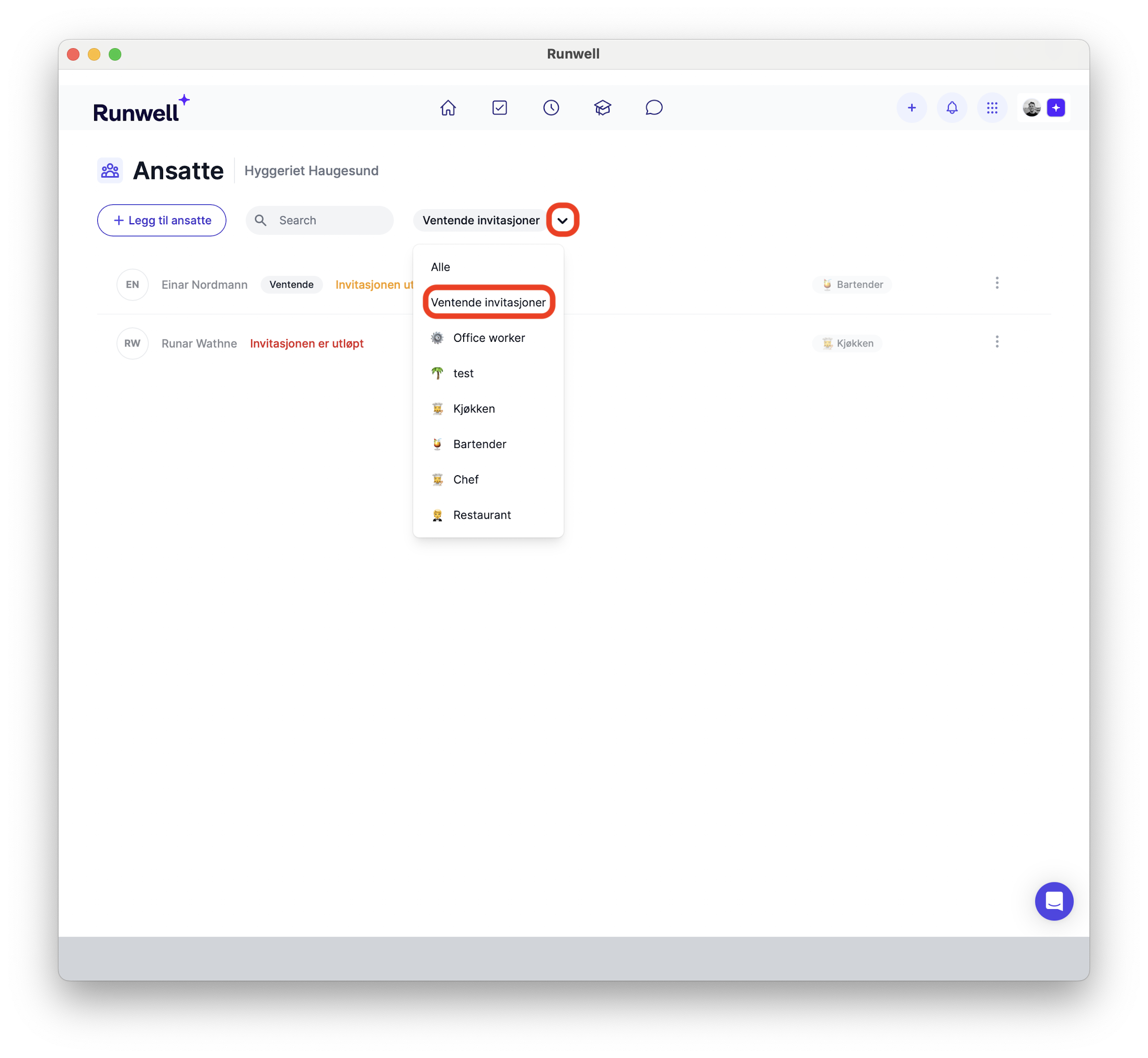
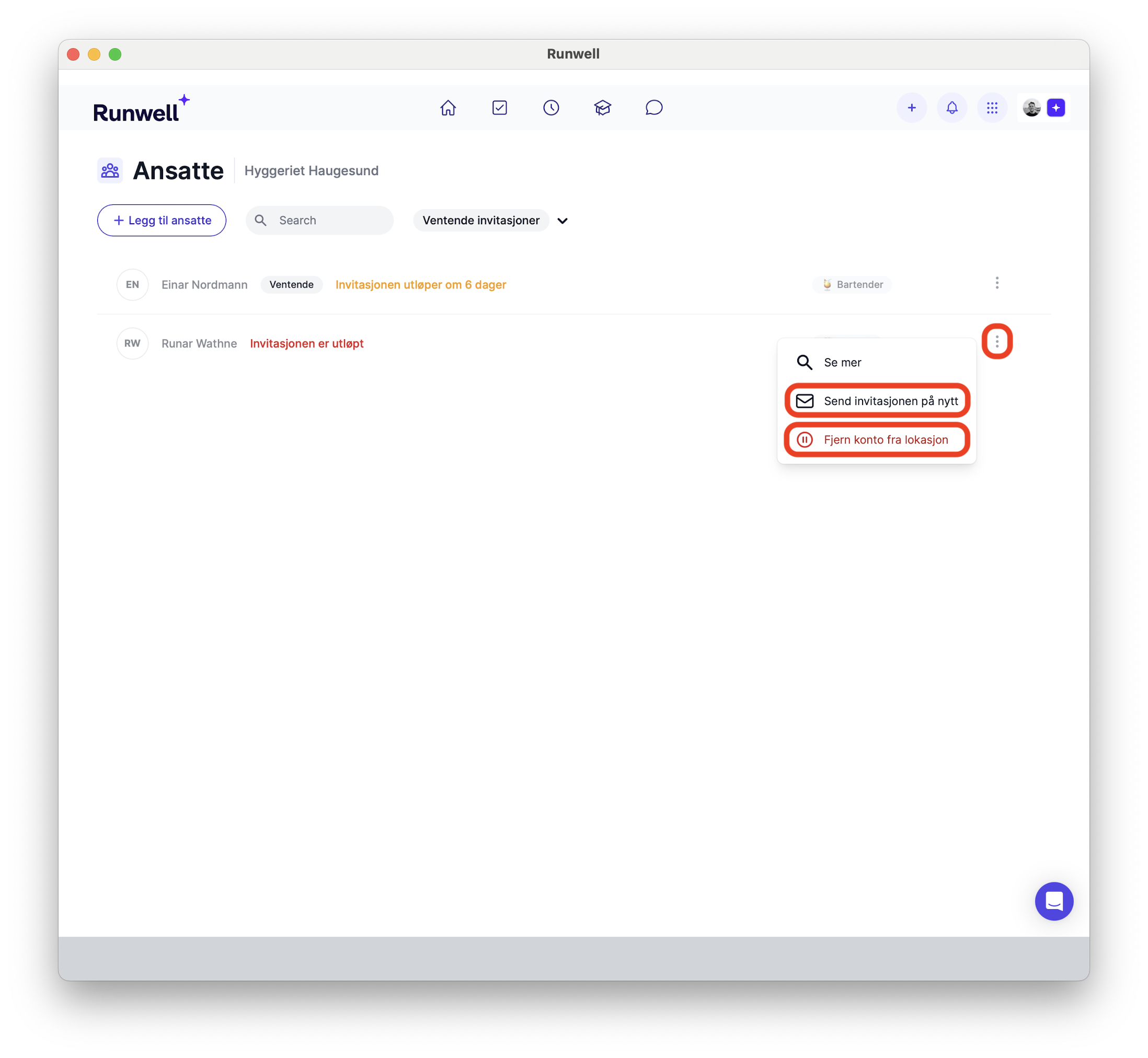
Go to the employee overview in the location menu to see the status of the people you have invited. Here you can remove them and resend the invitation. Invitations expire after 8 days. You then need to invite them again through the dot menu, as shown in the image below.