How to Add Key Documents
Store important documents in the Key Documents module for full control.
Administrator access is required.
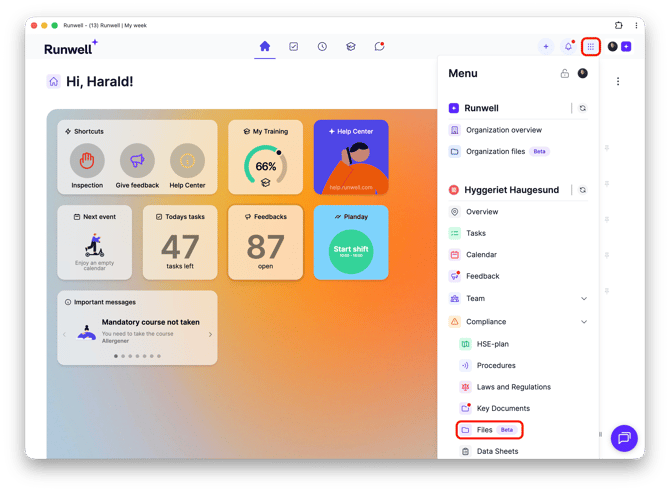
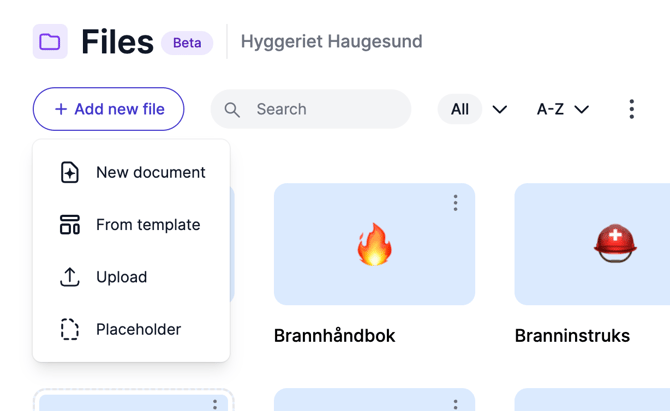
Go to Location menu > Internal control > Key documents. You’ll see various upload folders for your site; if you need additional folders, click Add document.
Each folder holds only one document. If you want multiple documents in one folder, merge them before uploading. Image files and PDFs preview in Runwell; other formats must be downloaded. A single file can be up to 20 MB.
If you have a large number of documents, consider using the Data Sheets module instead.