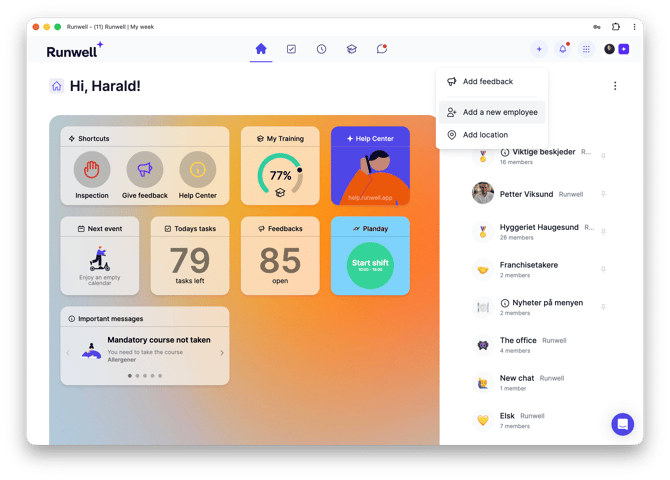
Click the + button in the top right corner.
Choose whether you want to invite one or several employees at once.
Several: Download the .csv file. Open it in Excel and fill it out. Remember to save it as a .csv file when you are done. Upload the file to Runwell, and all your employees get an invitation by email.
Automatic: Read how to import employees from Planday.