🏢 You need super administrator access to complete this guide.
-
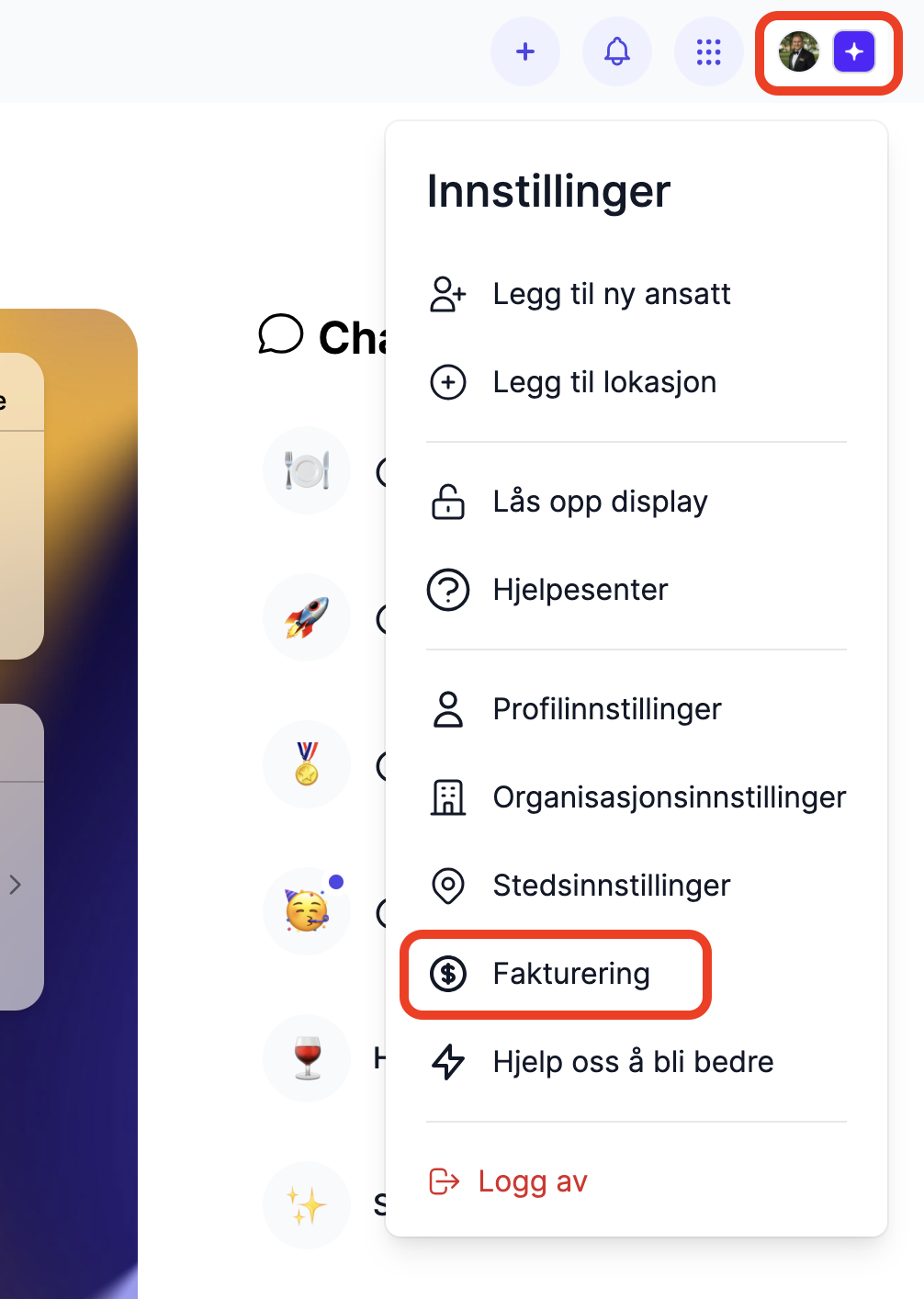
Go to Billing.
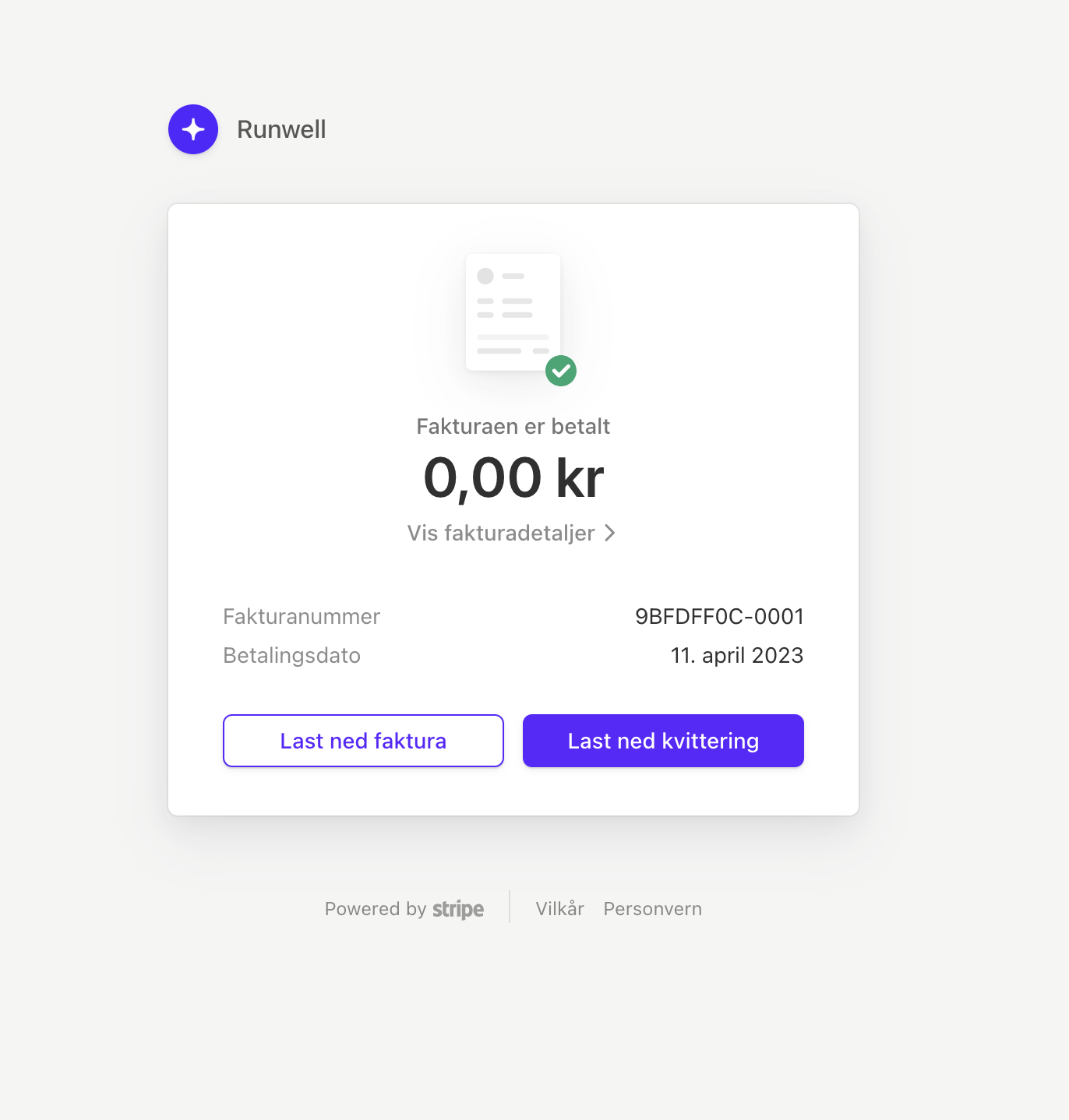
2. Click Receipts, then click the receipt you need.
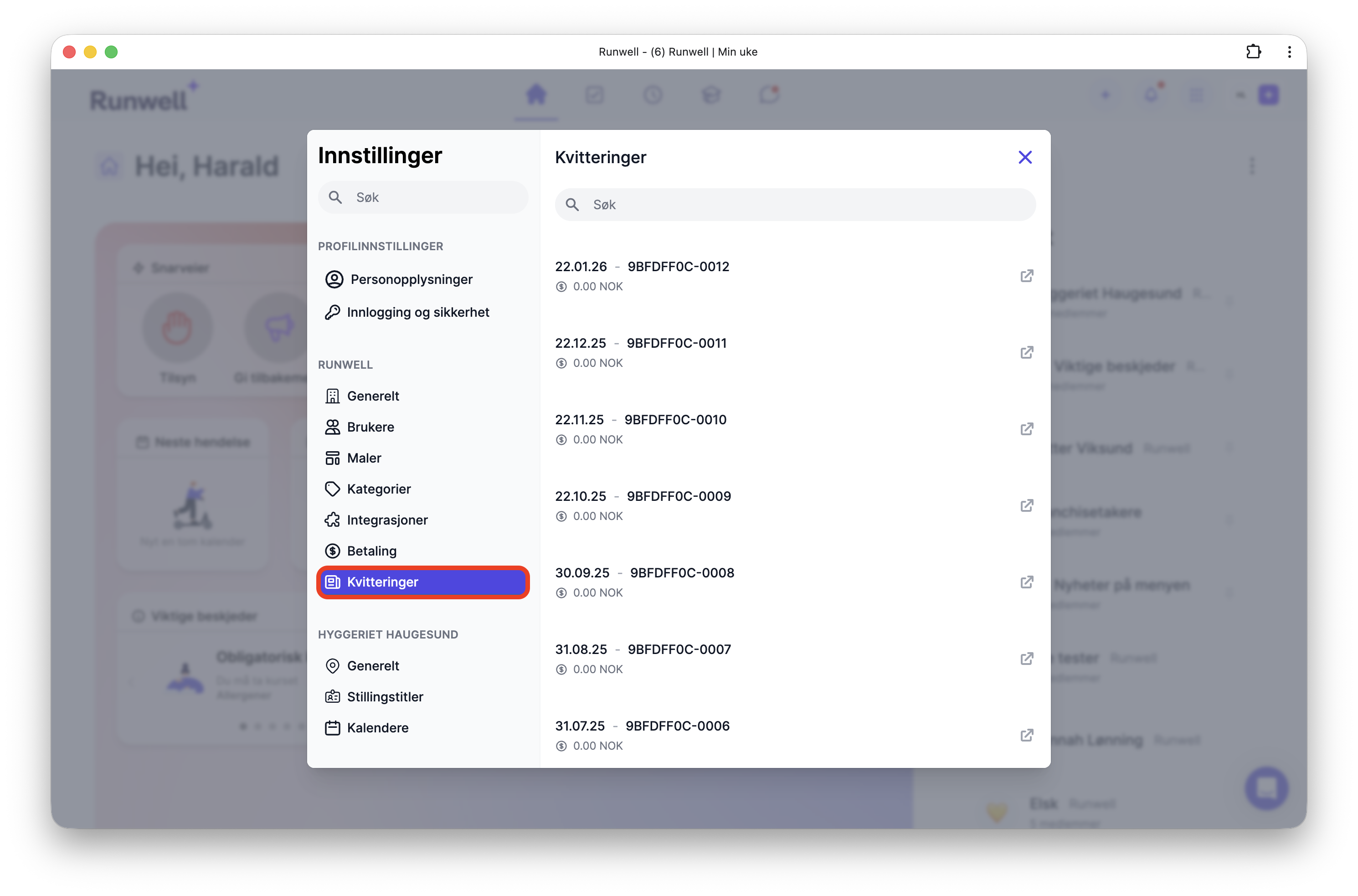
3. You are then sent to our payment provider, Stripe. Here you can view and download the invoice and receipt.
4. If something is wrong with the receipt, contact our customer service or send an email to support@runwell.no
Change who receives the receipt
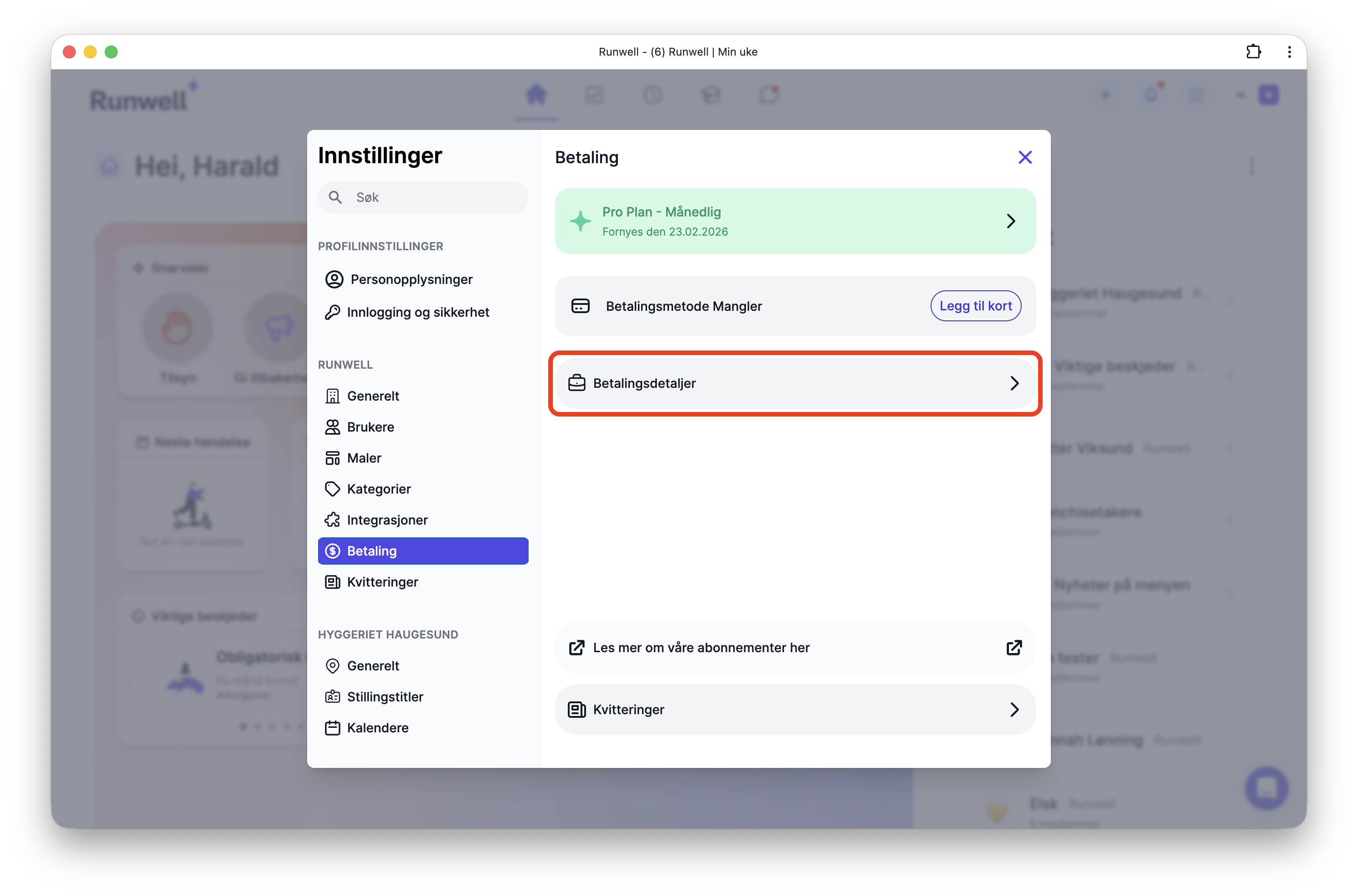
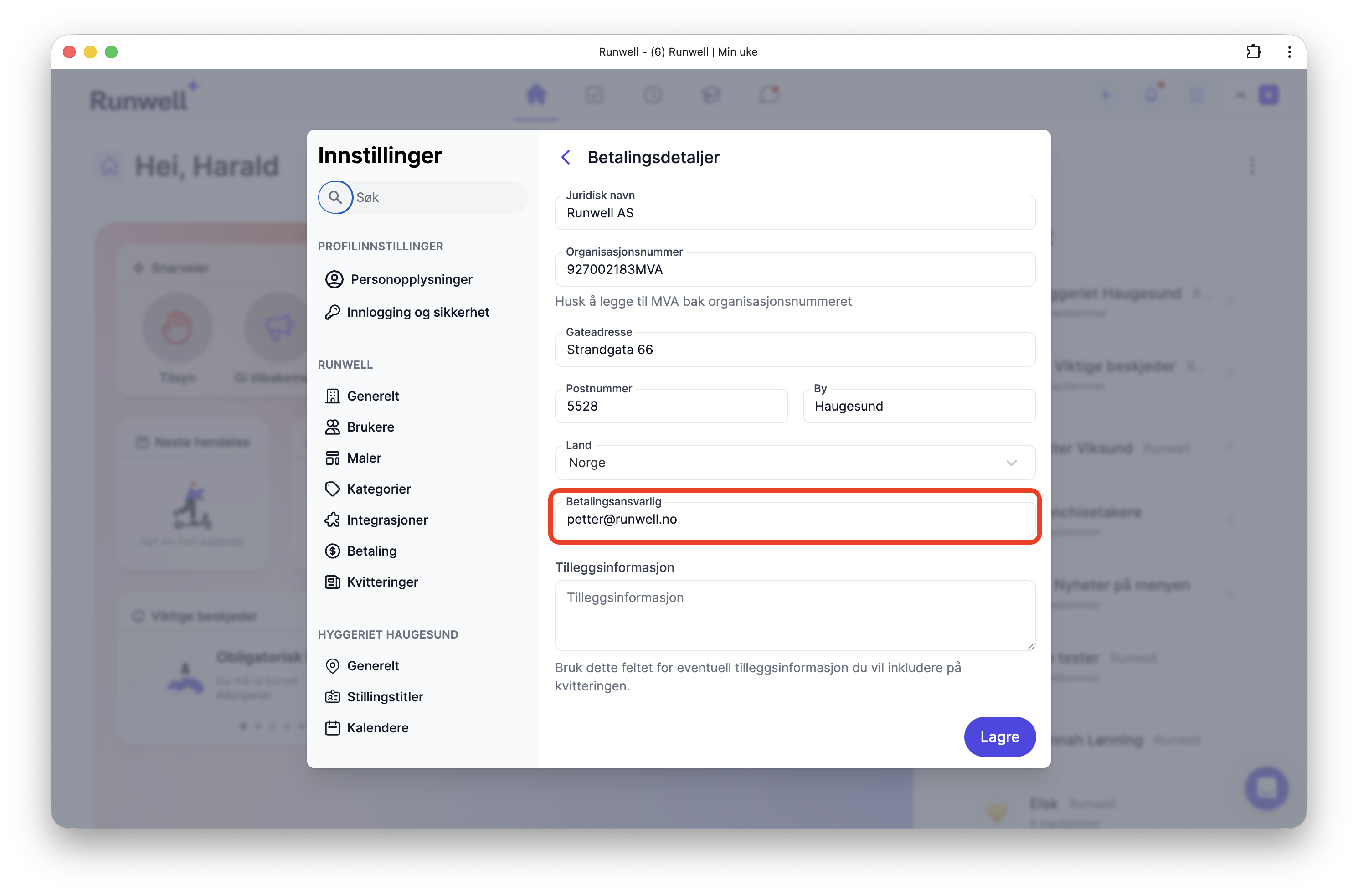
You can easily change who receives the receipt by clicking Payment details. Choose the billing contact at the bottom of the page.