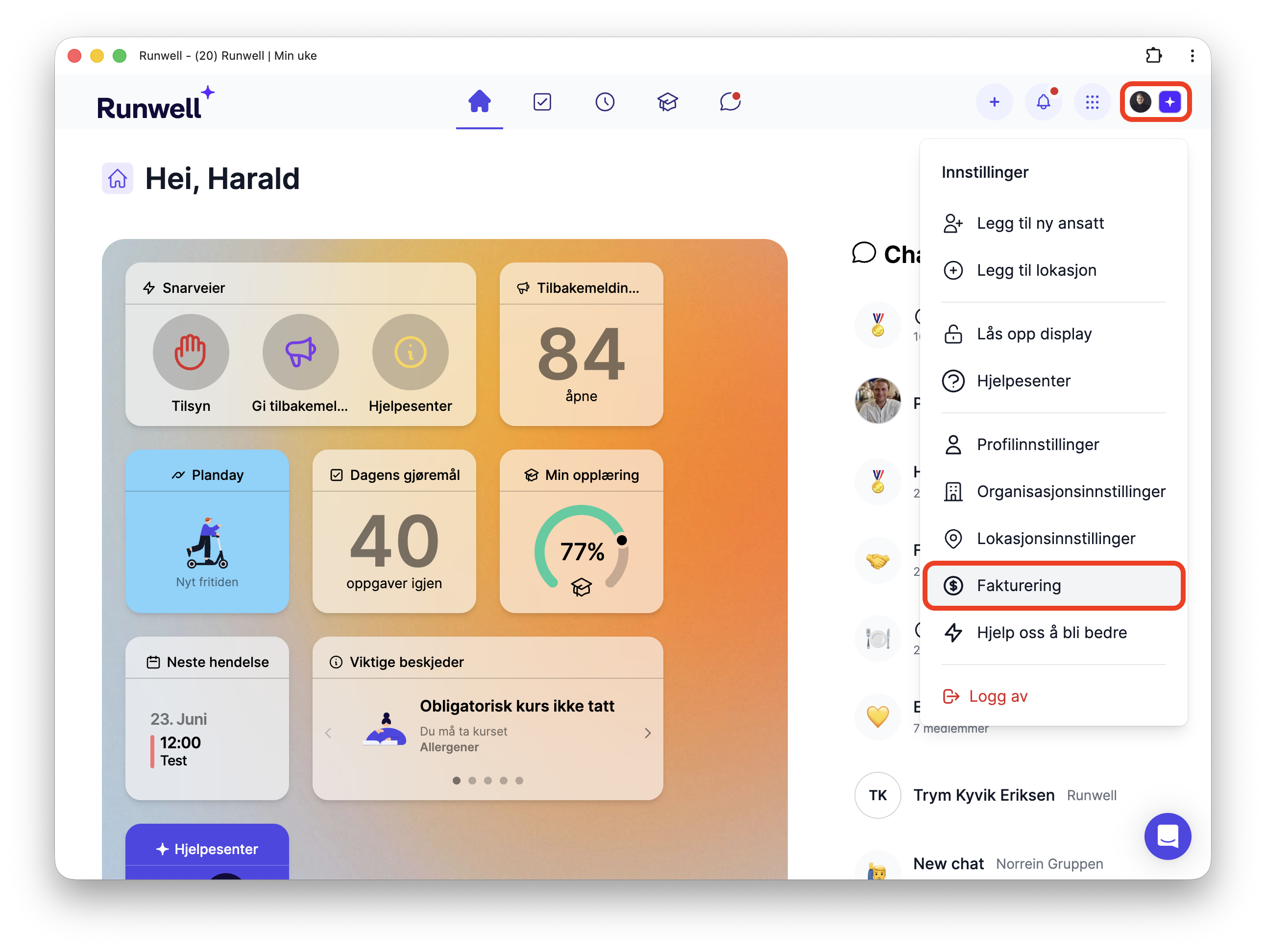
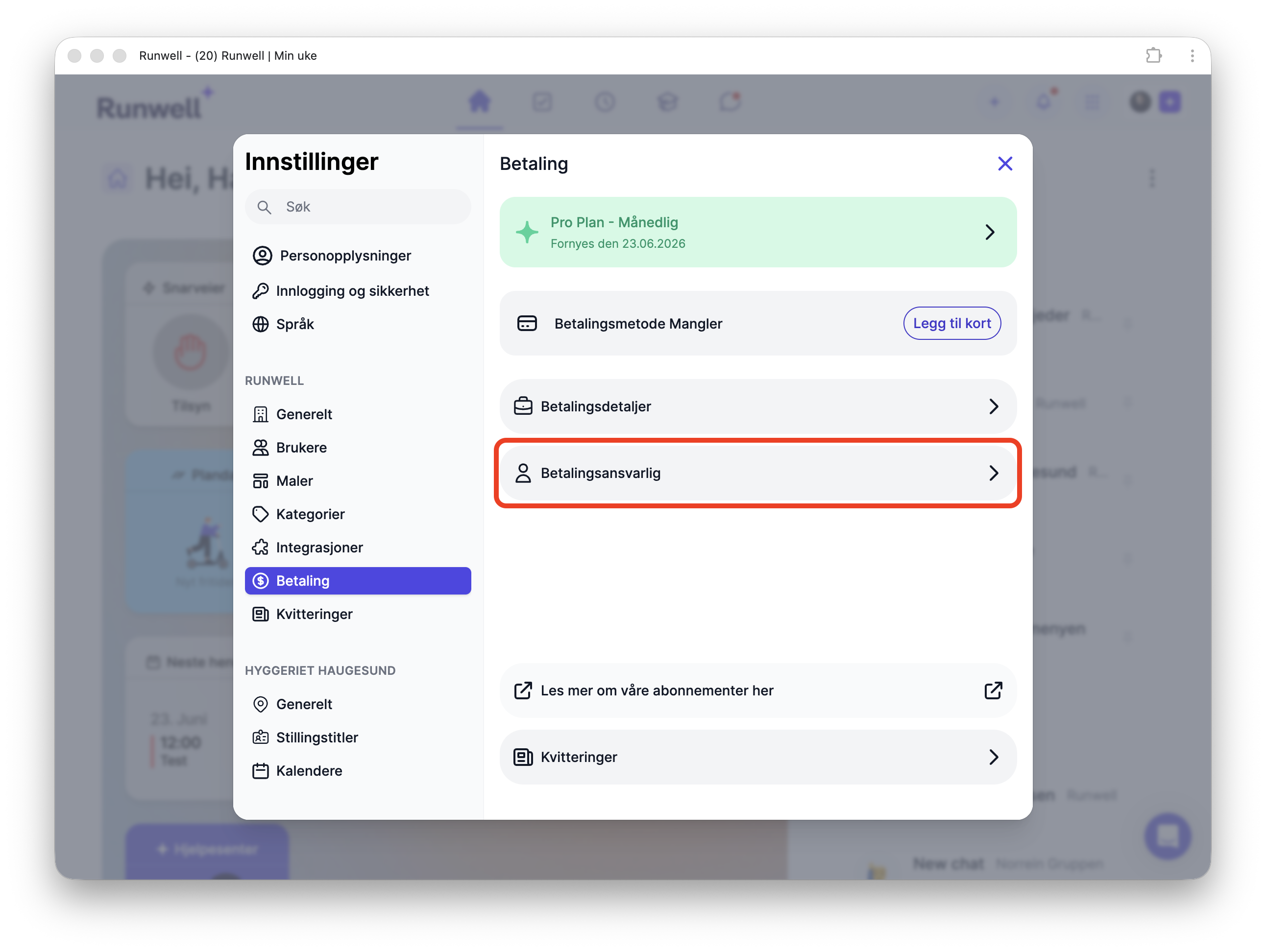
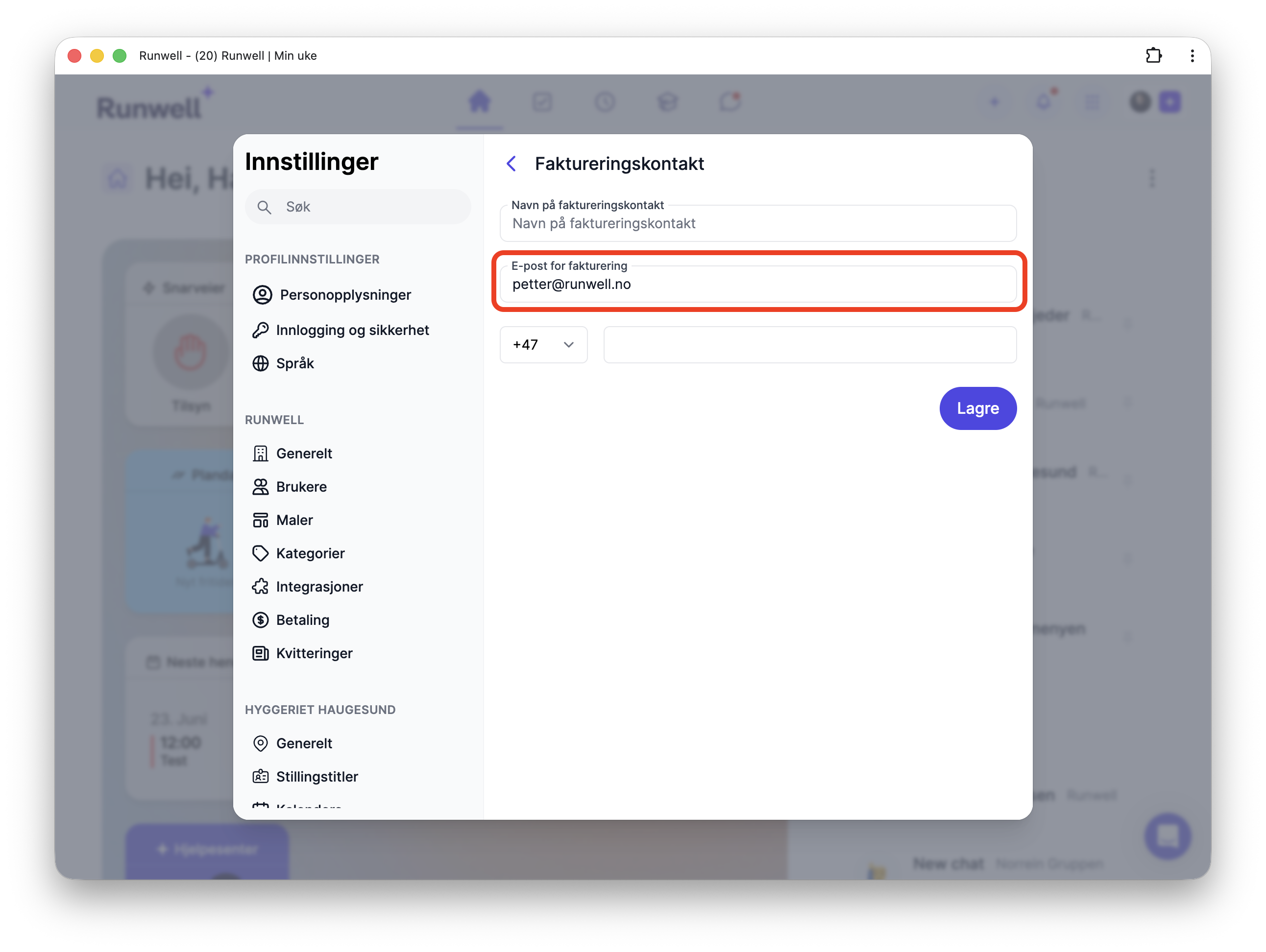
Send Receipts Directly to Accounting We send receipts by email to the designated contact person, but you can always access them directly in Runwell. Here’s how. 🏢 You need super administrator access to complete this guide. Open the main menu in the top right and select Billing. Choose the billing contact If you want receipts to go directly to accounting, enter your accounting email address under Billing email. Click Save when you are done.