
You need edit access, or be the owner of the document, to change who can see it.
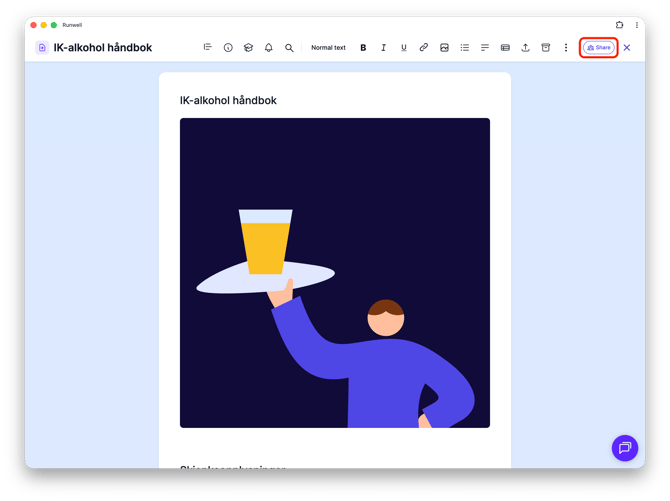
Open the document and click the Share button in the top-right corner.
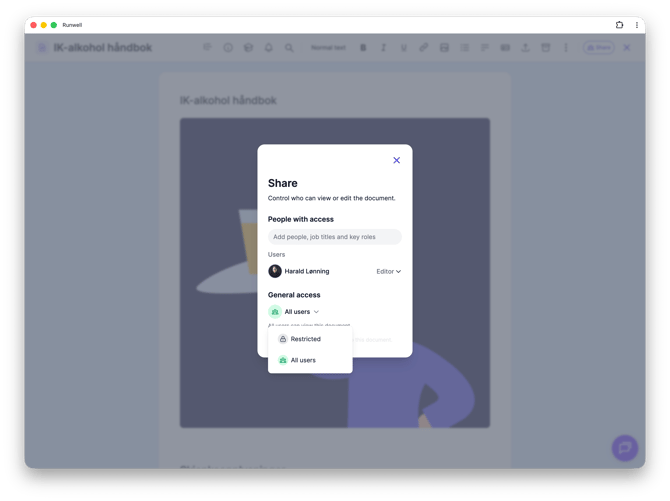
In the window that opens, under General access, choose between All users (anyone with access to the location or organization can see the document) and Restricted (only the people you add under "People with access" can see it).
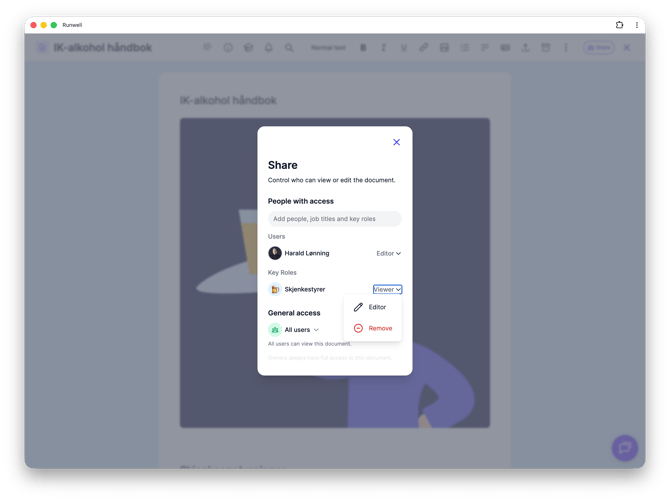
If you choose Restricted, search for names, job titles, or key roles in the Add people, job titles and key roles field. Everyone you add here shows up in the list under Users.
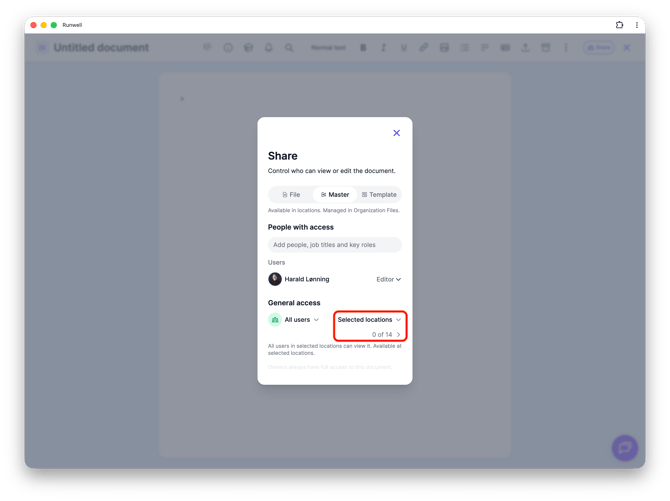
If this is a document in Organization files that's shared as a Master, you can also choose whether it should be visible to All locations or only Selected locations.
People with Owner access always has full access, no matter what you choose here.
Don't hesitate to reach out to our customer service if you have any questions 🤩